

Run your driving school smarter with DriveSync.
Manage bookings, instructors, learners, vehicles, finances and reporting from one place. The admin takes minutes, so you can get on with growing the school.


What DriveSync does
The whole school, in one place.
Bookings, instructors, learners, vehicles and payments all live in one system, so a change made in the office shows up on the instructor's phone straight away.
Bookings
See who’s free before you book
Pick a time and DriveSync shows which instructors are available, how far each one is from the pickup, and which one it recommends.
Vehicle tests
Every test shows a reporting time
Tests show when to arrive as well as when they start, so the instructor doesn’t pull into the testing centre just as the learner is being called in.
Learners
Packages that count themselves
Sell a 10-lesson package and DriveSync counts off each lesson as it’s done, so you always know how many are left and what’s still owed.
Instructors
No more calls asking where to be
Each instructor opens DriveSync on their phone and sees where to be next, who they’re teaching and anything booked since this morning.
Fleet
The right car for every lesson
Each car carries the licence codes it can be used for, so a Code B lesson never gets the truck, and an EB lesson comes with a trailer.
Feedback
Hear how every lesson went
Learners rate each lesson and can say why, so you hear how lessons went and not just whether they happened.
Reports
The month at a glance
See what came in this month, how many lessons were done or cancelled, and what each instructor and each car brought in.
Made for South Africa
Built for how South African schools actually work.
We build DriveSync with South African school owners, around the parts of the job an overseas booking tool has never had to handle.
Every code you teach
E codes tow a trailer, so DriveSync only pairs them with a car and a trailer that can.
Tests block the diary too
A booked test holds the learner, the instructor, the car and the trailer for that slot, so nothing else can be booked over it.
The E codes are handled properly
EB, EC1 and EC need a trailer and a car that can pull it. DriveSync checks both before it lets the lesson be booked.
No account needed to start
Take a booking from someone who walked in off the street, and sort the paperwork out afterwards.
Money the way it actually arrives
Half in cash at the car, the rest by EFT on Friday. DriveSync records each payment against the lesson or package it belongs to.
Your words, filled in for you
Write your school’s message once. Every booking fills in the learner, the time, the instructor and the pickup, ready to send on WhatsApp.
Nothing to download
DriveSync runs in the browser on any smartphone. Instructors add it to their home screen and it opens like an app.
Who uses it
Everyone sees their part of the school.
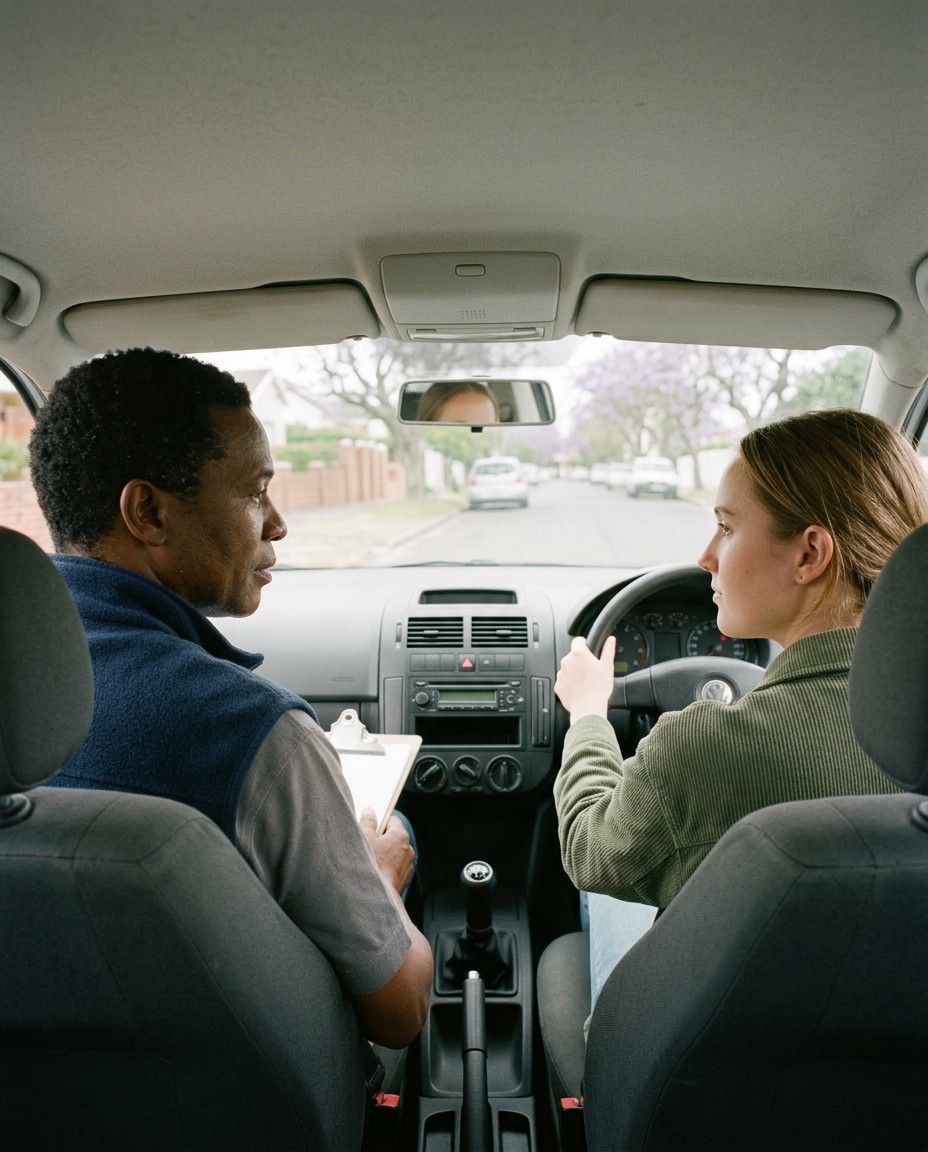
Owners, office staff, instructors and learners all log in to the same system. What each person sees depends on their role, and you decide the rest.
Owner
Desk or phoneWhere did the money go?
The whole business, without asking anyone for a report.
- What came in, by instructor and by car
- What every learner still owes
- Choose what staff and learners can see
Office
DeskWho is teaching whom today?
The day’s bookings, and the ones still missing an instructor.
- Lessons still needing an instructor, in one list
- A free slot across the whole team
- Take payments and book walk-ins
Instructor
PhoneWhere do I have to be?
Their own lessons, on the phone already in their pocket.
- Today’s lessons with pickup addresses
- Mark a lesson done and add a note
- Book their own time off
Learner
PhoneWhen is my next lesson?
Their lessons and their balance, without phoning the office.
- Upcoming lessons and hours used
- The same balance your office sees
- Rate the lesson afterwards
Money
Know who owes you before the lesson starts.
Every lesson, package and test fee a learner owes adds up to one number, and it is the same number in your office and on the learner’s phone.
What does this learner owe?
Packages, single lessons and test fees add up to one figure. The learner sees the same number your office does.
Who must collect today?
Flag a lesson and the instructor sees how much to collect on their phone. Once the learner is paid up, the flag clears itself.
Did that cash reach the books?
Switch it on and a payment an instructor records waits for your OK before it counts towards your totals.
Getting started
Moving over is the easy part.
You can book your first lesson on the day you sign up. The rest of the school comes across as fast as you like, and we help.
Register your school
a few minutesYour school’s details and the licence codes you teach. There is no card to enter.
Invite your instructors
they do the restThey get a link, set their own password, and see their own lessons straight away.
Add learners as you go
no rushAdd them yourself, send them your school’s join link, or book them as walk-ins and let them sign up later.
Book the first lesson
about a minuteChoose the learner and the time. DriveSync suggests the instructor and the car.
Our clients
From the schools using it every day.
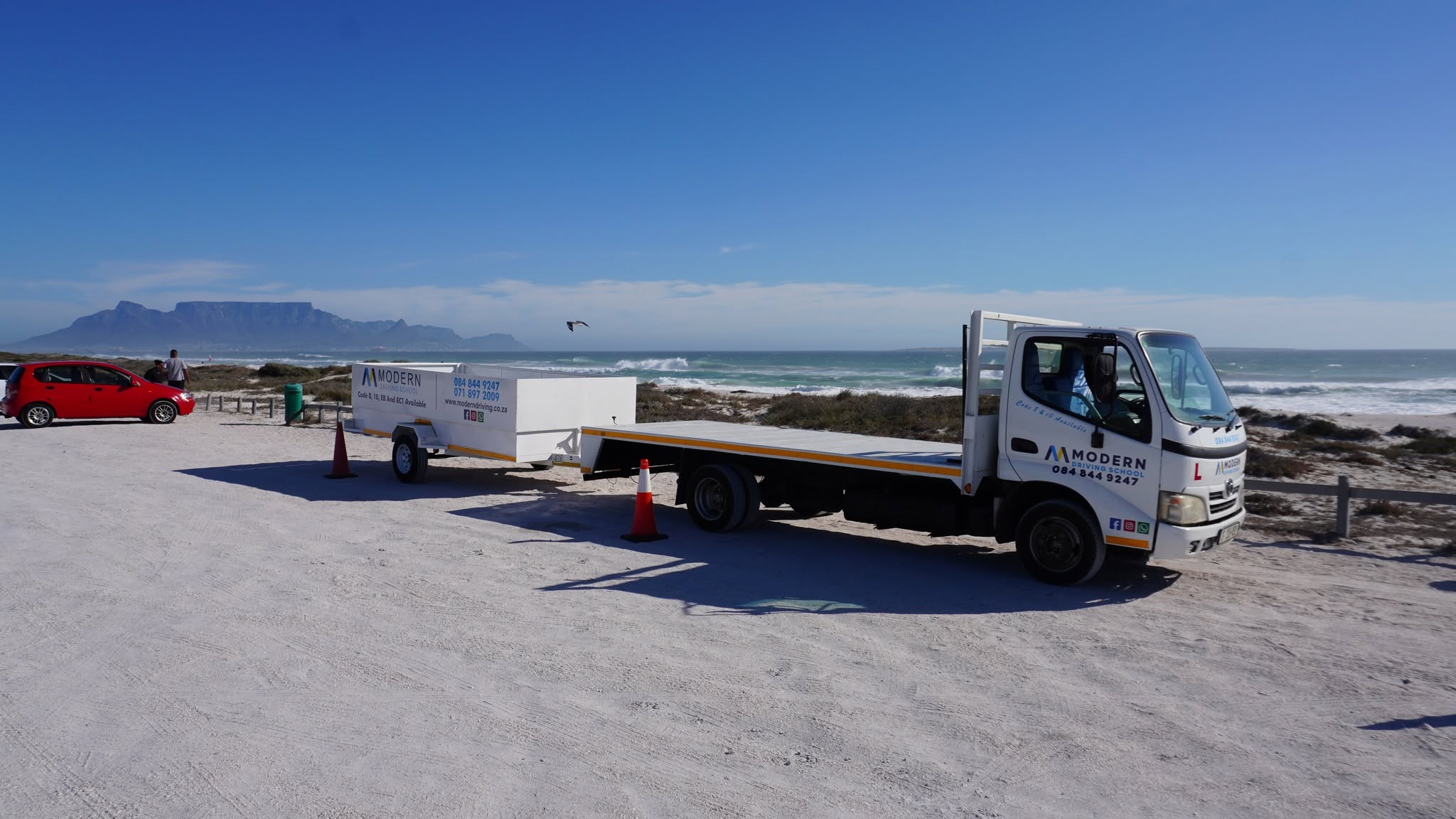
Real South African driving schools, running their bookings on DriveSync.
Already using DriveSync? Add your review
Pricing
Choose a plan when the trial ends.
Every plan starts with 14 days free and no card. There is no setup fee or contract, and you can cancel from your settings.
Growth
Most popularR699/month
or R629 a month, billed yearly
- 6 instructors, 6 vehicles, 3 admins
- 200 active students · 1,000 bookings/mo
- Everything in Starter
- Full finance & payments module
- Analytics & revenue reports
- Smart instructor recommendations
- Priority WhatsApp & email support
No. You get 14 days on any plan without entering card details. We only ask for payment if you decide to carry on.
No. DriveSync runs in the browser on any smartphone. They can add it to their home screen so it opens like an app.
Only if you switch it on. You decide whether learners may cancel or reschedule, and how much notice they have to give.
Yes. Add them yourself, or send them your school’s join link. Learners who have not signed up yet can still be booked as walk-ins, and their lessons follow them when they do.
Not unless you allow it. Payment details are hidden from instructors by default, and you choose how much they see: nothing at all, whether a lesson is paid, the amount to collect, or the full picture.
Yes. Trailers are part of your fleet, and an EB, EC1 or EC lesson is only ever paired with a vehicle and trailer that can legally tow.
You keep access until the end of the period you have already paid for, and there is no cancellation fee. Cancelling halfway through a month costs you nothing extra and buys nothing back.
Each school’s records are kept separate, everyone signs in with their own account, and we never sell or share your data.
Email support comes with every plan, Growth adds priority WhatsApp support, and Pro is backed by an SLA. Your onboarding is done by the founder.